Mudora 1.2.1 on Mac and Windows
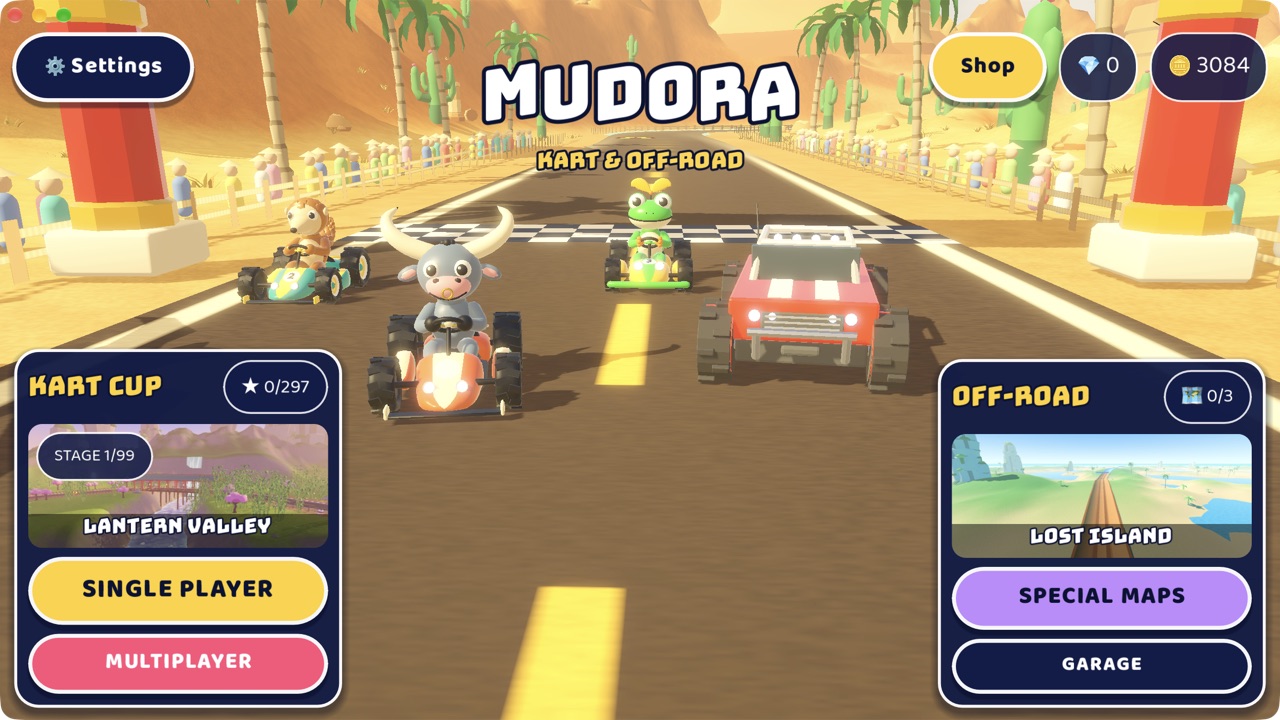
Mudora now runs on computers. Version 1.2.1 is a free download for Mac and for Windows, with the same kart cup, 99-stage career, off-road trails and special maps as the phone version. You play it with the keyboard.
Keyboard controls
The first time you start a race, a card shows the keys for that mode. It fades after a few seconds, and any key closes it.
| Kart Cup | Keys |
|---|---|
| Steer | A D or ← → |
| Drift | Space or Shift |
| Brake | S or ↓ |
| Nitro | W, ↑ or F |
| Use item | E or Enter |
| Pause | Esc or P |
| Off-Road | Keys |
|---|---|
| Gas | W or ↑ |
| Brake and reverse | S or ↓ |
| Steer | A D or ← → |
| Handbrake | Space |
| Reset the truck | R |
| Pause | Esc |
The menus work from the keyboard too. On the racer select screen and the career map, ← → move the choice, Enter starts and Esc goes back.
A window that fills up
The game opens in a 16:9 window centred on your screen and sized to it. Drag the corner to any shape and the menus and the race view stretch to fill it, with no black bars. On a Mac the picture runs right up under the title bar, and the buttons keep clear of the window controls.
Race your friends' phones
The computer version joins the same Wi-Fi rooms as the phone version. Host a room on your laptop, and friends on Android or iPhone on the same network can join with the room code.
How to install
- Mac: download the .dmg, open it and drag Mudora into Applications. It runs on Apple silicon and Intel Macs. Apple has notarized it, so it opens like any other downloaded app.
- Windows: download the .zip for 64-bit Windows 10 or 11, unzip it and run Mudora.exe. The file is not code-signed yet, so Windows SmartScreen may say “Windows protected your PC”. Choose More info, then Run anyway.